Debit Card Controls
Take control of your debit card with powerful tools for security, flexibility, and real- time management—right from your smartphone.
Actively manage how, when, and where your debit card is used. Whether it’s setting spending limits, restricting transactions, or turning a card on and off instantly, Debit Card Controls is a simple, proactive way to manage card activity and reduce the risk of fraud.
What You Can Do
- Turn your card on/off instantly
- Set spending limits (per transaction, daily, or monthly)
- Control where your card can be used (by location/region)
- Restrict transaction types (online, ATM, etc.)
- Manage merchant categories (gas, travel, entertainment)
- Monitor transactions in real time

Get Started Today
- Log in to the OVCB Mobile App.
- Tap Menu in the lower right corner
- Select Cards
- Select Add New Card, enter the requested information
-
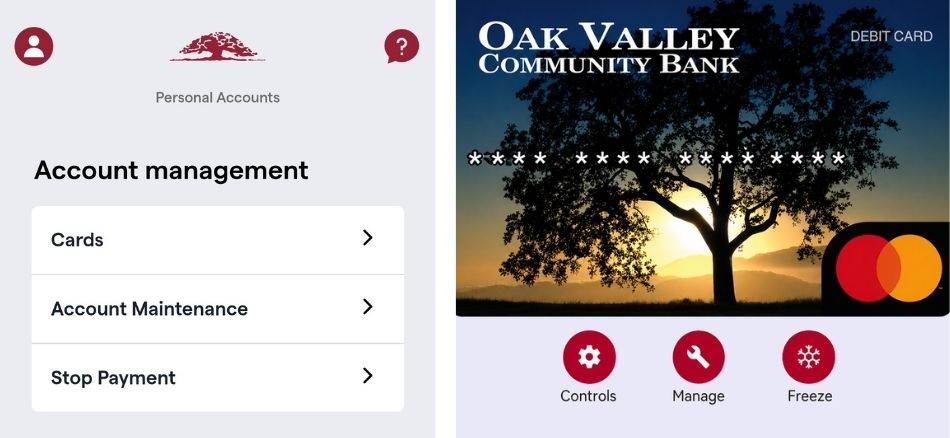
Select View Card to manage control options:
- Controls – Set spending, location, and merchant limits
- Manage – Archive or delete card
- Freeze – Temporarily block transactions (autopay allowed)